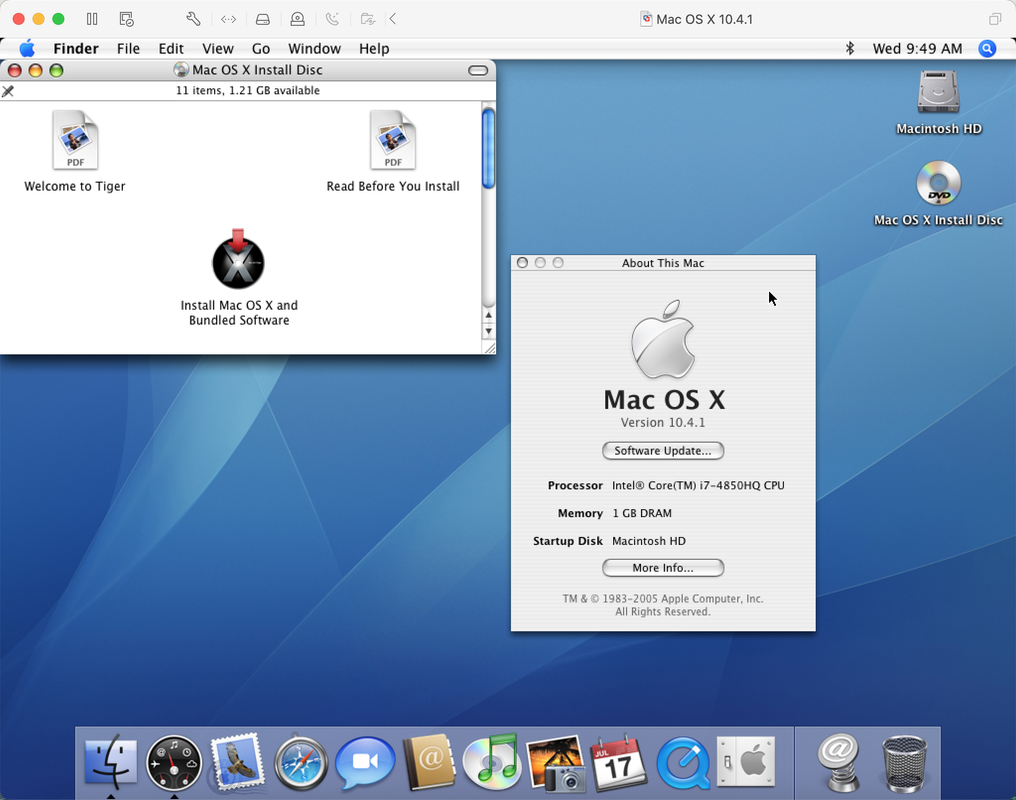
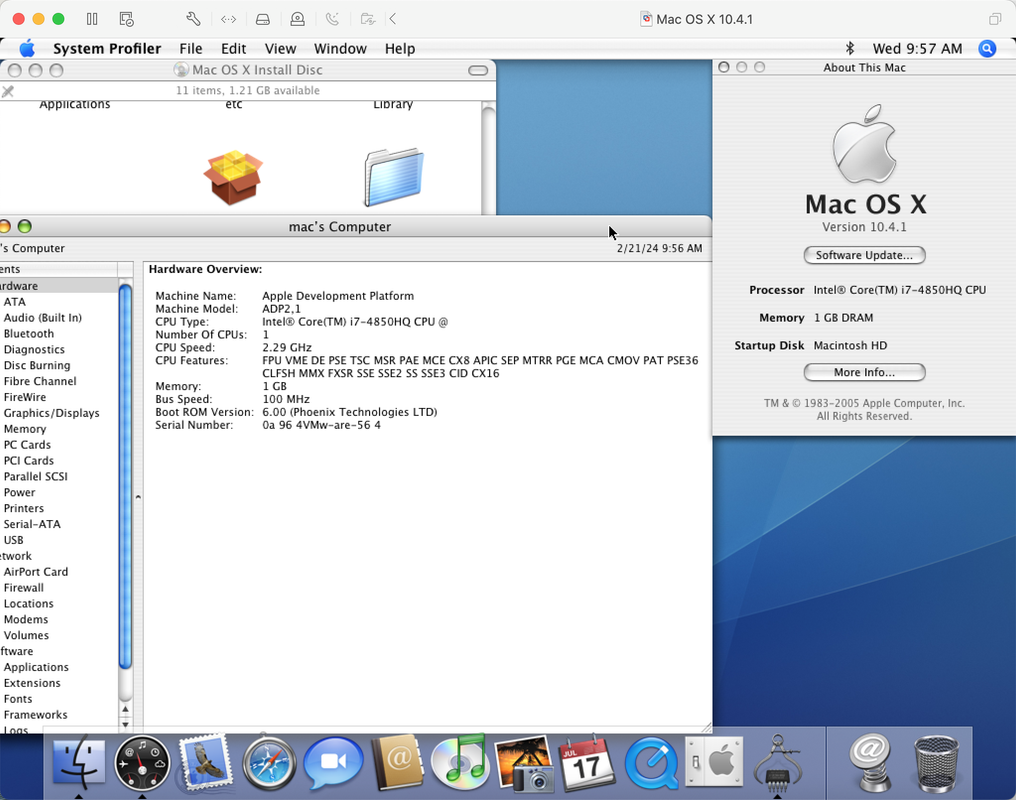
Hi again @Cat_7,
Thanks, this server DVD was actually the one I have tried on all my different installations. Inow tried exactly those specs in VMware Fusion 11.5 and then it shows:
Attempting to start up from:
+ EFI UMware Virtual SATA CDROM Drive (1.0) ... unsuccessful.
EFI UMware Virtual SATA Hard Drive (0.0) ... unsuccessful.
EFI Network...
And ends up at the boot manager. I get a "no operating system found alert". "No operating system was found.
Check your Startup Disk in the virtual machine settings. If you have not installed an operating system yet, you can choose an installation disc or disc image in the CD/DVD settings and restart the virtual machine."
The options are
EFI UMware Virtual SATA Hard Drive (0.0(
EFI UMuare Virtual SATA CDROM Drive (1.0)
EFI Network EFI Internal Shell (Unsupported option)
Choosing any of the boot manager options don't work.
With the EFI file I get an Apple grey boot background with the VMware logo. But without this file I do not get it, I only get like a black background. But the error text is the same actually so It does not seem like the EFI file does anything but change the background in this case.
But I noticed that Fusion has a compatibility section where I can choose a hardware version. I can choose up to 16 which includes Fusion 11.5 or Workstation 15.x. I wonder which version of Workstation exactly you're using because maybe I can put it to that as well because I would imagine they're using the same engine on Windows and Mac. So which version are you using of Workstation exactly - or of vmWare Player? And have you set any compatibility option in yours?
UPDATE: I tried to make the discs and cd both SATA and IDE - nothing changes. The issue is the EFI boot stuff. I wonder if there is a flag.
UPDATE 2: I got it to boot the CD :-O Now installing! Experimented with setting the cdrom to IDE and the hdd to SATA (as the old MacBooks), and then I downloaded and switched to the efi64-srvr.rom instead of the 32 bit version. However the CD-ROM is now SATA again in fusion.
I have both:
sata0.present = "TRUE"
sata0:0.fileName = "Virtual Disk.vmdk"
sata0:0.present = "TRUE"
sata0:1.deviceType = "cdrom-image"
sata0:1.fileName = "/Volumes/Repo/Installers_ISO/macOS/template/iso/MAC_OS_X_10-4-7_TIGER_SERVER.ISO"
sata0:1.startConnected = "FALSE"
and
bios.bootOrder = "CDROM"
ide0:0.deviceType = "cdrom-image"
ide0:0.fileName = "/Volumes/Repo/Installers_ISO/macOS/template/iso/MAC_OS_X_10-4-7_TIGER_SERVER.ISO"
ide0:0.startConnected = "FALSE"
And then I have this still:
cpuid.2.ebx="------------------------00101100"
cpuid.2.ecx="001100000010000101001010--------"
# efi32.filename = "efi32-srvr.rom"
efi64.filename = "efi64-srvr.rom"
hw.model="iMac5,1"
Much appreciated! Thanks so much for the help!


I will update you when I get it installed and I check how it runs.