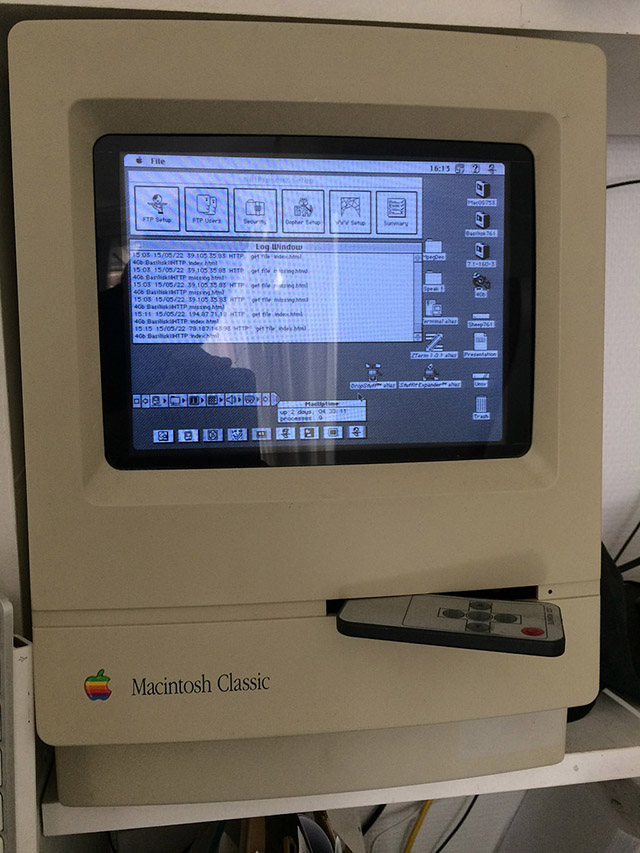
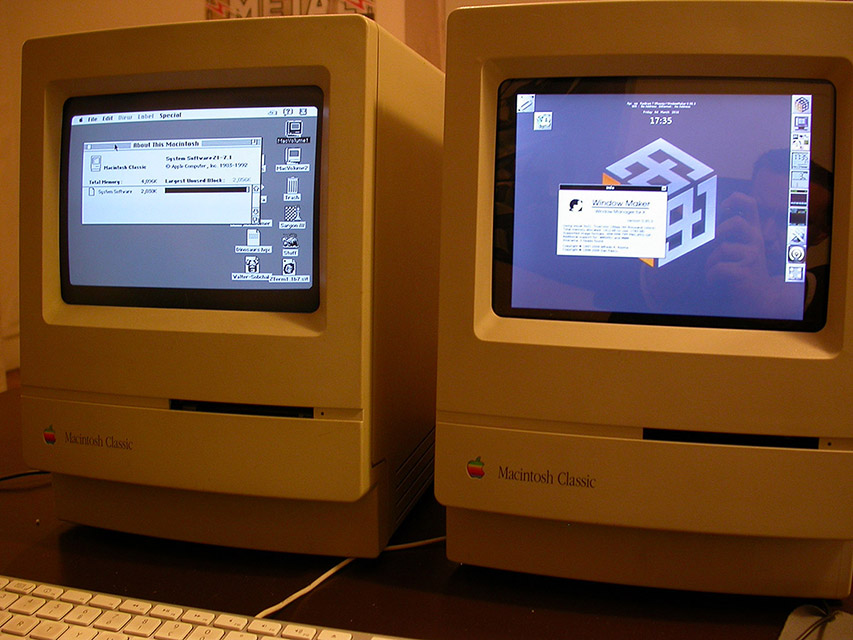
I'm very late to the party, but this thread was fantastic in helping me with retrofitting the Pimoroni 10" LCD with HDMI into a few classic Macs. For the Raspberry Pi 3B+ emulation software I used
https://github.com/jaromaz/MacintoshPi, which allows me to use Mac OS 7,8,9 and boot (almost) directly into the classic OS of choice each time I power on the Pi. I ran into the same overscan issue and discover that there are two distinct places where (and many more copies of) the config.txt files are in the jaromaz build. I used this command to find all of them:
... and ended up editing all of these:
Code: Select all
sudo nano /home/pi/MacintoshPi/launcher/config/os7-342/boot/config.txt
sudo nano /home/pi/MacintoshPi/launcher/config/os8-600/boot/config.txt
sudo nano /home/pi/MacintoshPi/launcher/config/pios/boot/config.txt
sudo nano /home/pi/MacintoshPi/launcher/config/os9-600/boot/config.txt
sudo nano /home/pi/MacintoshPi/launcher/config/os9-768/boot/config.txt
sudo nano /home/pi/MacintoshPi/launcher/config/os9-480/boot/config.txt
sudo nano /home/pi/MacintoshPi/launcher/config/os7-480/boot/config.txt
sudo nano /home/pi/MacintoshPi/launcher/config/os8-480/boot/config.txt
sudo nano /home/pi/MacintoshPi/launcher/config/syncterm/boot/config.txt
sudo nano /home/pi/MacintoshPi/launcher/config/os7-384/boot/config.txt
sudo nano /home/pi/MacintoshPi/launcher/config/commodore/boot/config.txt
sudo nano /home/pi/MacintoshPi/launcher/config/os7-600/boot/config.txt
sudo nano /home/pi/MacintoshPi/launcher/config/cmd/boot/config.txt
sudo nano /etc/macintoshpi/os7-342/boot/config.txt
sudo nano /etc/macintoshpi/os8-600/boot/config.txt
sudo nano /etc/macintoshpi/pios/boot/config.txt
sudo nano /etc/macintoshpi/os9-600/boot/config.txt
sudo nano /etc/macintoshpi/os9-768/boot/config.txt
sudo nano /etc/macintoshpi/os9-480/boot/config.txt
sudo nano /etc/macintoshpi/os7-480/boot/config.txt
sudo nano /etc/macintoshpi/os8-480/boot/config.txt
sudo nano /etc/macintoshpi/syncterm/boot/config.txt
sudo nano /etc/macintoshpi/os7-384/boot/config.txt
sudo nano /etc/macintoshpi/commodore/boot/config.txt
sudo nano /etc/macintoshpi/os7-600/boot/config.txt
sudo nano /etc/macintoshpi/cmd/boot/config.txt
sudo nano /boot/config.txt
For my usage, I found that the following settings are almost spot on:
Code: Select all
overscan_left=40
overscan_right=40
overscan_top=80
overscan_bottom=80
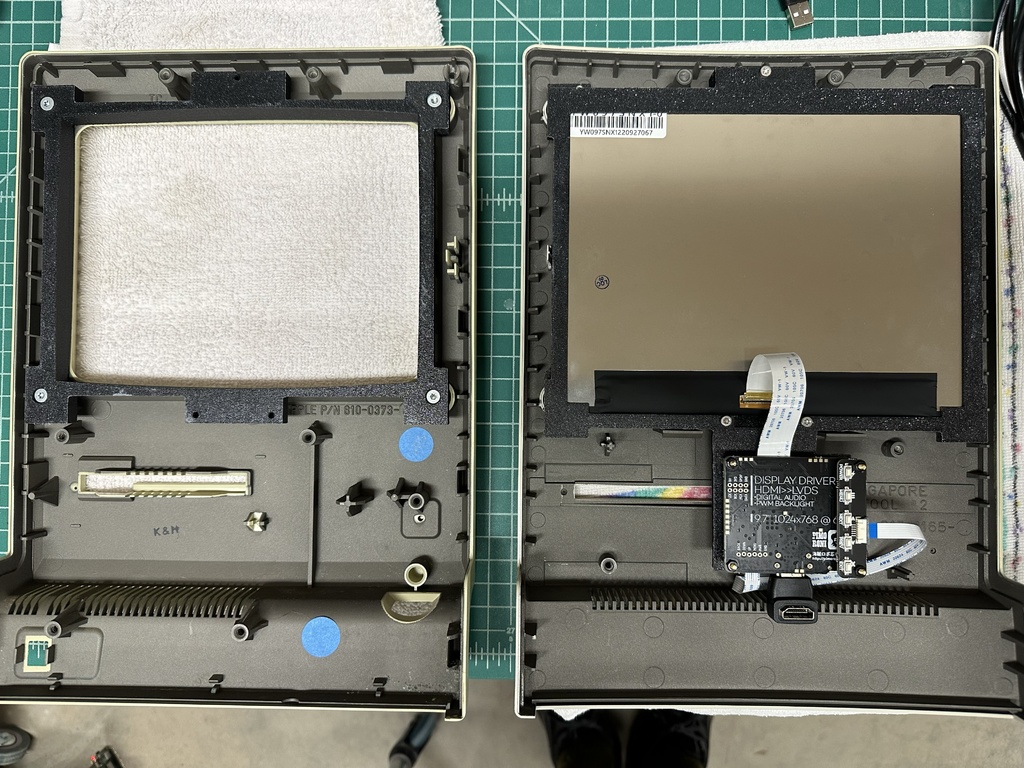
As my LCD is a bit larger, I modified penman_gr's files a bit. The front bezel I made slightly thicker, so the screw heads securing it to the front of the Mac case would be recessed enough not to touch the screen. For the back half of the bezel, I lowered the screen, so the screw holders built in to the top of the rear portion of the case had enough room for the case to close. I also decided to rotate my screen 180 degrees (and added this to config.txt: display_hdmi_rotate=2), so I added new cutouts for the screen's mounting points. I also aded a mount for the screen's two boards and three screw holes, with M3 square nut insets, to attach the front and rear portion of the bezel together.
The modified files are on Thingiverse at:
https://www.thingiverse.com/thing:6725023
In addition to the above bezel modifications, I found the Mac 512k has a slightly more curved top and bottom to the screen opening, so I made a modified version of the front bezel for that case, also included in the Thingivrese page.
For the Raspberry Pi 3B+, I also created a little frame to mount it to inside the read portion of the case, along with an Anker 6 port usb charger, SSD, and speakers. I need to upload that to Thingiverse as well...

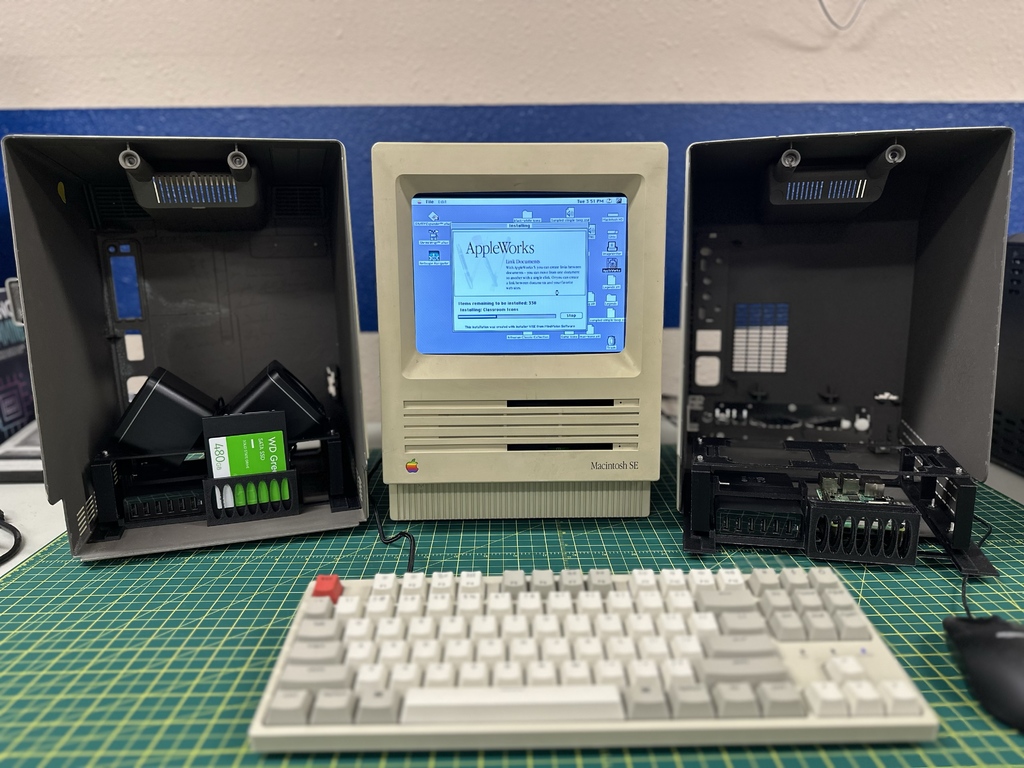
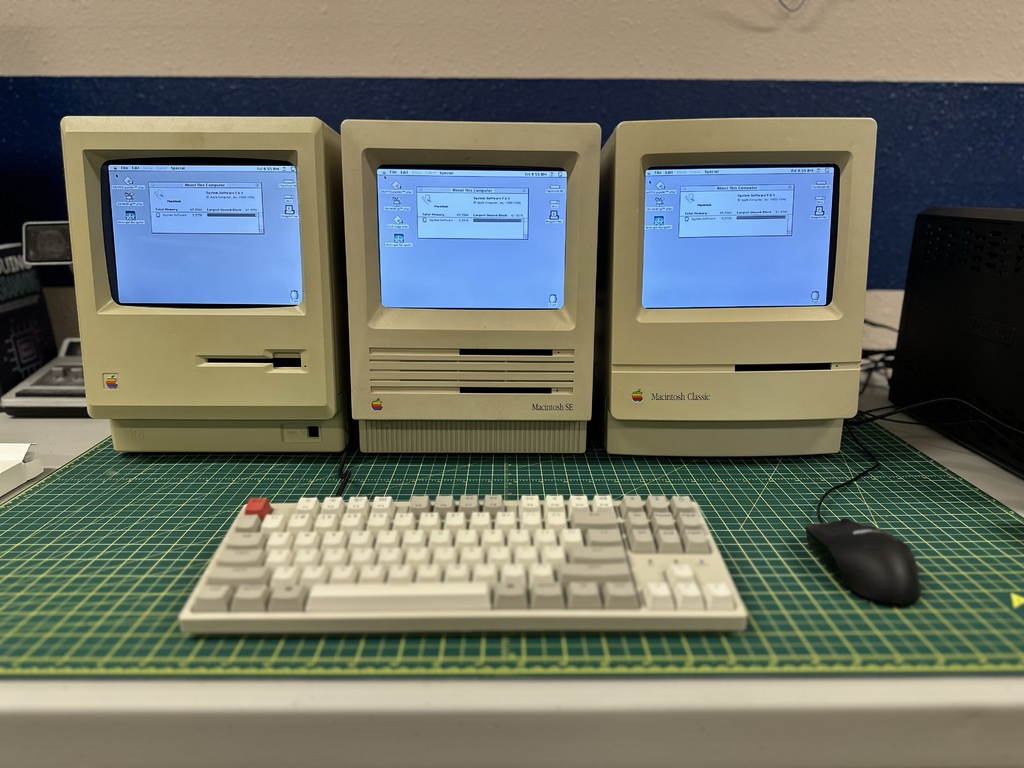
All cases were acquired empty, no actual Macs with the possibility of being resurrected were harmed in the process. Only existing screw holes were used, so these could be returned to service, should the parts be available to do so.